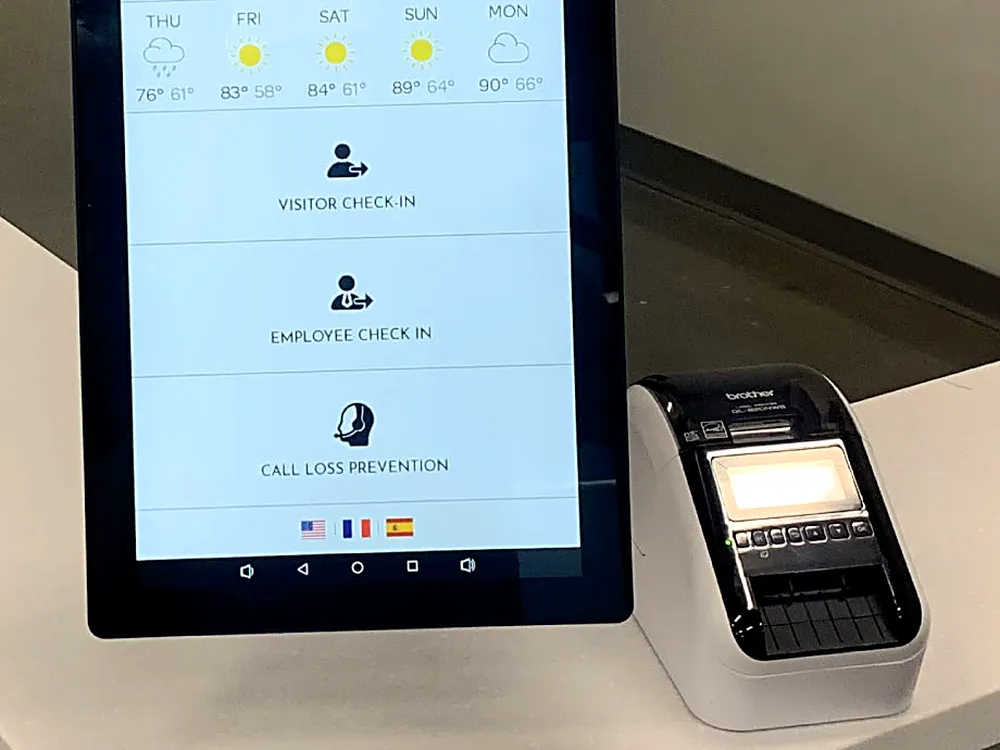
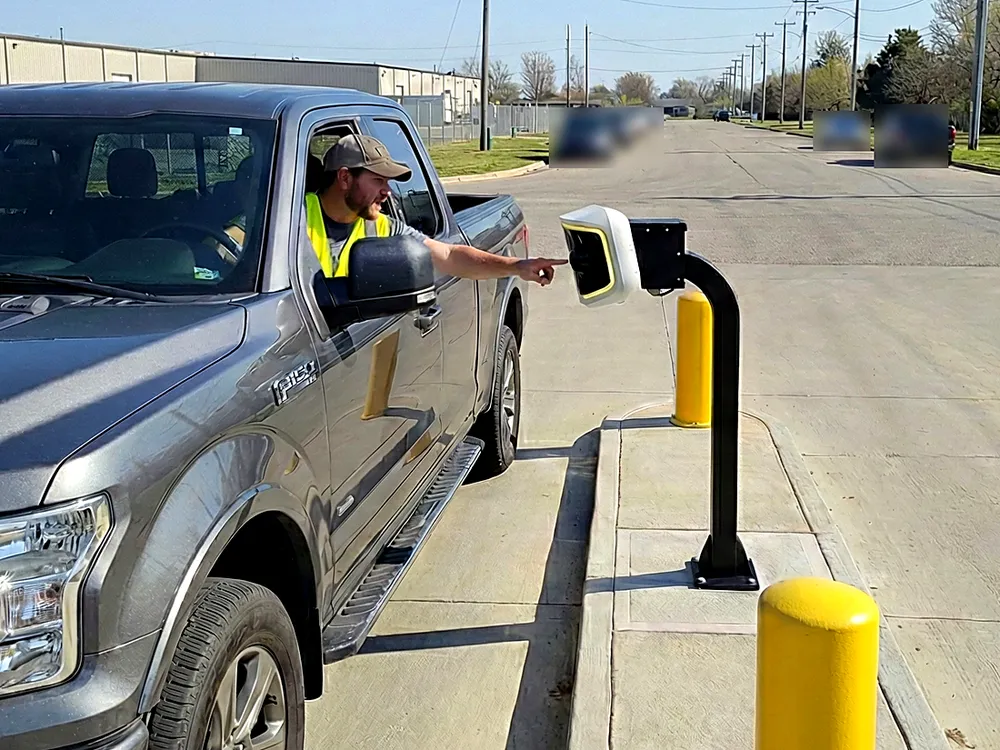
 North Lobby


RADGuard is the check-in screen for your lobby or gate. It validates guests, vendors and employees autonomously, by your site's rules, and sends anything unusual to an operator.
Follow one guest from the first tap to approval. The cards beside the screen show how RADGuard validates them behind the scenes.
On TOM, Call security connects to SARA Monitoring by default. Sites can route it to their own team.At the gate, SARA Agentic AI can take over an incident and run a talk-down, the same as on other RAD devices.
North LobbyGate 2

The visitor taps Visitor Check In. The home screen also covers employees, trucks and site information, in six languages.
Walk-ins use email or phone. Scheduled visitors scan the QR code from their invite.
Your questions come one at a time, and required fields can't be skipped.
A driver's license or QR scan confirms who is at the screen.
The request lands in RADSOC as an alert, and an operator approves or rejects it.
Approved. The badge prints at the desk.Approved. The gate opens for the driver.
Guest 1042, hosted by Facilities, is on today's list, so the QR code from the invite checks them in.Driver 318 is on today's truck list for Receiving, so the gate knows to expect them.
The scan is attached to the request, so the operator sees who is at the screen before approving.
Both. RADGuard runs indoors on TOM and outdoors on AVA. It validates guests, vendors and employees the same way in both places, and your team manages both from RADSOC.
RADGuard validates each guest, vendor and employee against your access lists and questions. Anything unusual lands as an alert for an operator to approve or reject, and every visit is logged.
Short answers to the questions that come up before a demo.
RAD's authorized partners install TOM and AVA and set up RADGuard check-in for their customers' lobbies and gates.