AVA (Autonomous Verified Access) is RAD's Edge AI gate access control system. It reads license plates, scans driver's licenses and QR codes, runs visitor and truck check-in on a 10" touchscreen, and flags tailgating. SARA Agentic AI checks every alert and escalates by your SOP.
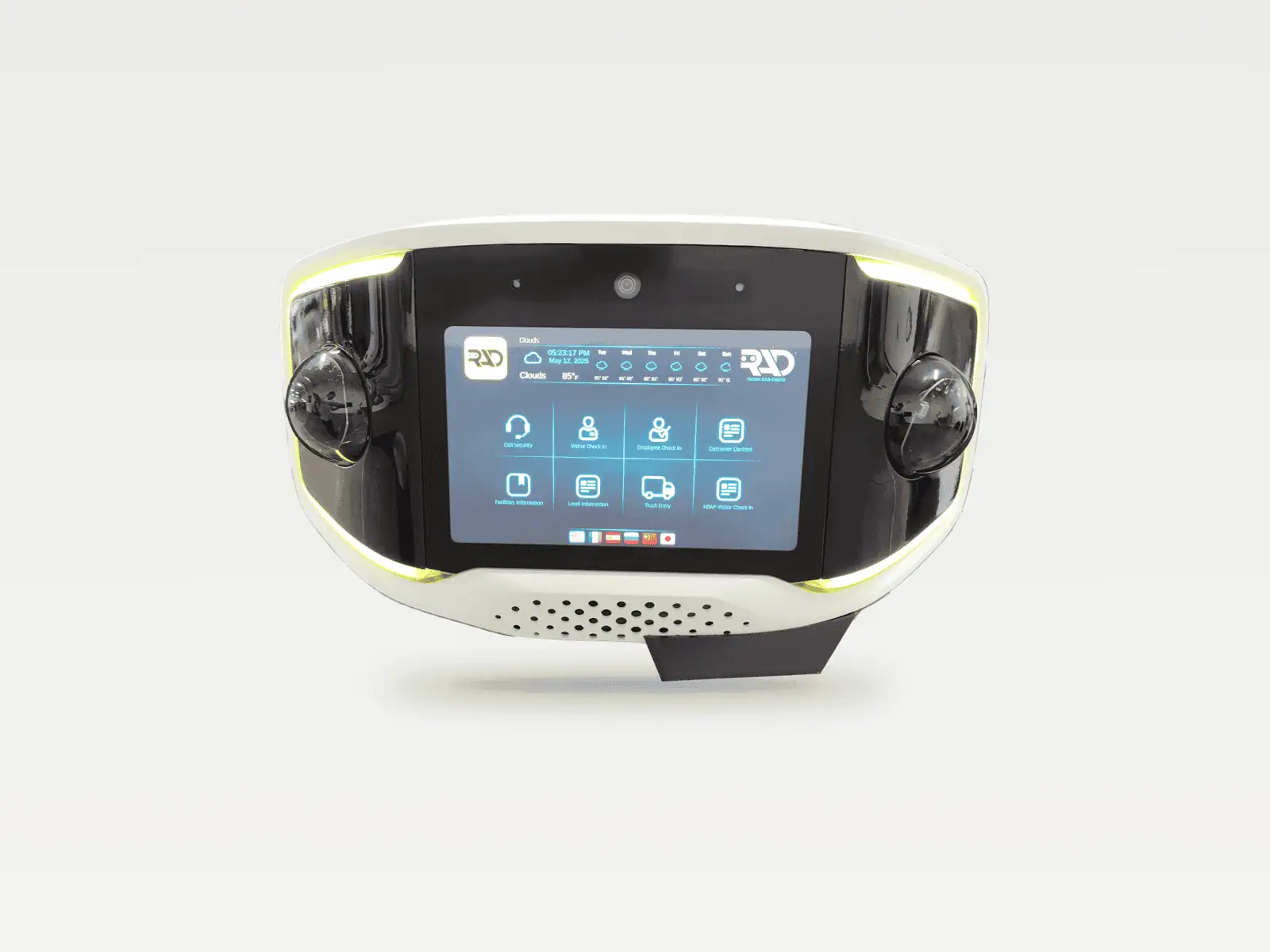
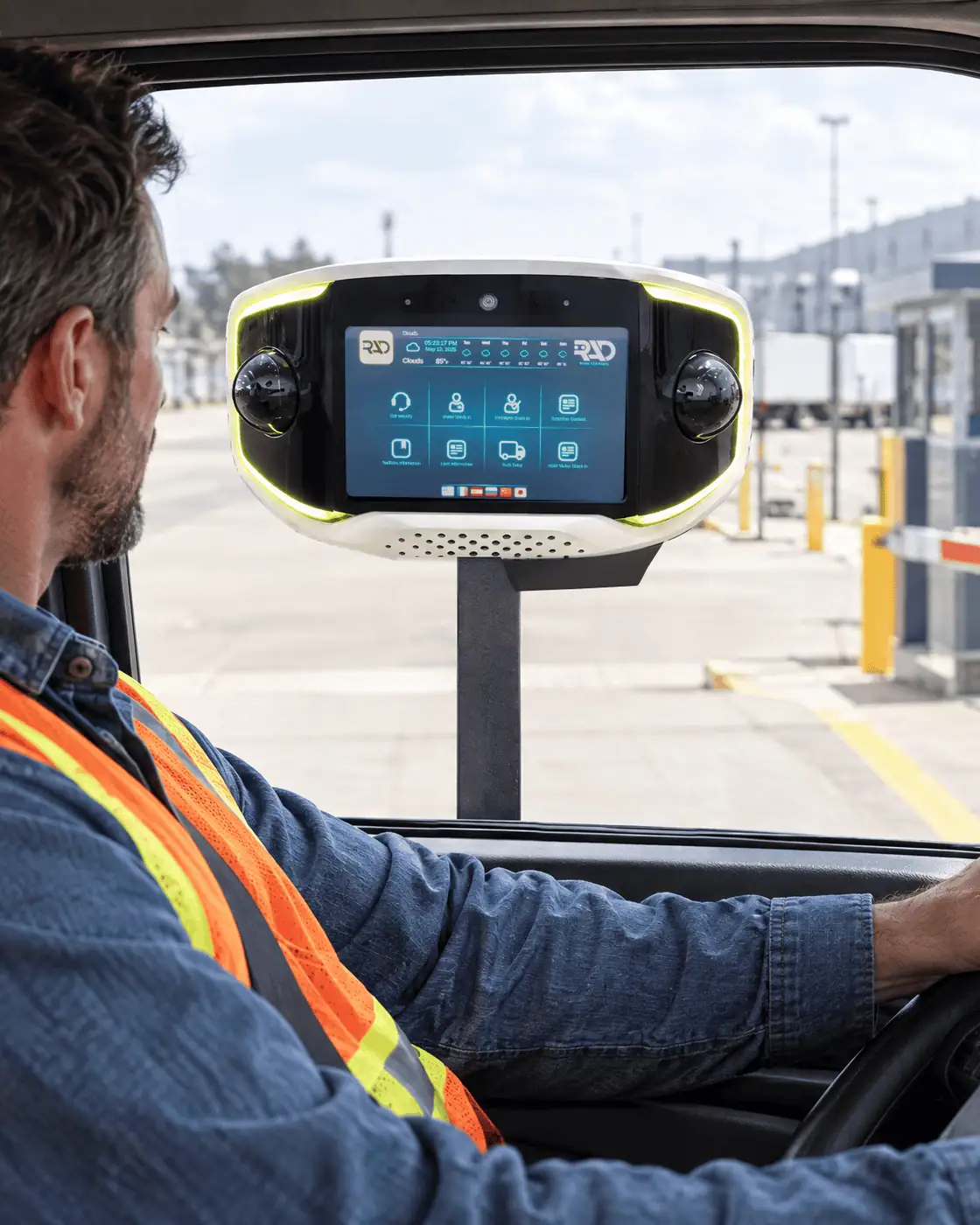
AVA puts two 5MP PTZ cameras, a 10" HD touchscreen, a QR code scanner, a 100 W speaker, an NVIDIA Jetson Orin NX with a 2 TB SSD, and 5G LTE cellular into one 21.2 lb unit that bolts to a standard pedestal. Check-in, plate reads, and tailgating detection all run on the unit, with no server at the gate.
AVA runs RAD AI analytics on the device, and its screen runs RADGuard, RAD's check-in and visitor verification software. In RADSOC you manage access lists, check-in questions, and gate events for one AVA or a whole fleet.
Two 5MP PTZ cameras with 4x optical zoom and a 2MP front camera see the gate.
A 10" HD touchscreen runs check-in for visitors, employees, and truck drivers.
A built-in QR code scanner reads guest passes and QR credentials at the gate.
A 5.25" 100 W moisture-resistant speaker and a mic array carry two-way calls.
NVIDIA Jetson Orin NX with a 2 TB SSD runs plate reads and tailgating checks.
5G LTE on AT&T or T-Mobile needs no IT setup; Wi-Fi or Ethernet are optional.
AVA is one Gen4 unit in two editions. AVA Commercial runs visitor, employee, and truck check-in at logistics, industrial, and corporate gates. AVA Residential adds the HOAP app, so homeowners can pre-approve guests, contractors, and deliveries from their phones.
Both editions use the same hardware, analytics, and SARA Agentic AI escalation. Pick by who comes through the gate.
Logistics yards, distribution centers, and industrial gates
HOAs and gated communities that want fewer guard hours
AVA Gen4 is one model: a 180° Edge AI gate access unit with two 5MP PTZ cameras with 4x optical zoom, a 10" HD touchscreen, a QR code scanner, and an NVIDIA Jetson Orin NX with a 2 TB SSD. AVA weighs 21.2 lb, runs on 120 V AC power with a backup battery, and connects over 5G LTE cellular.
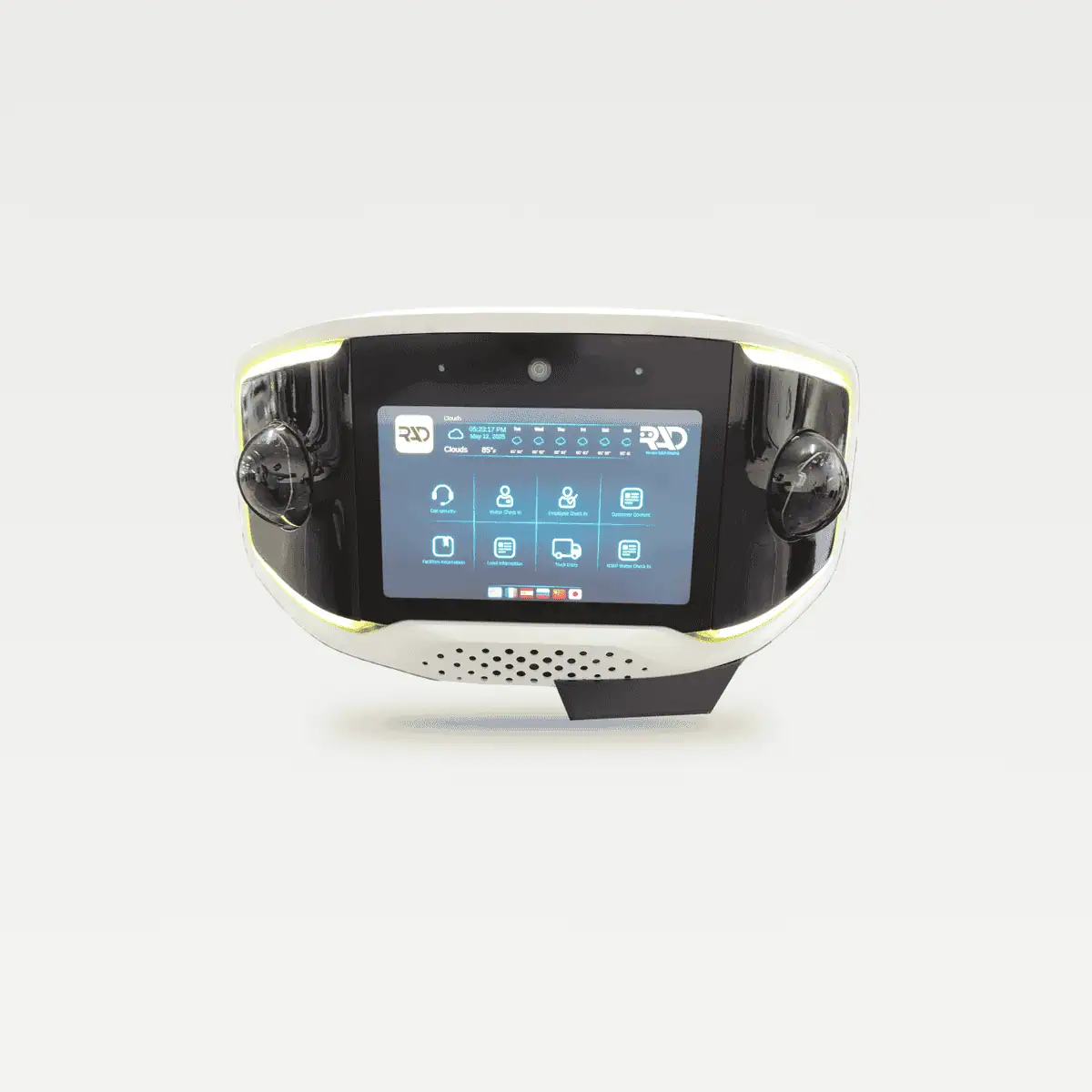
180° Edge AI gate access unit for a standard pedestal, 5 x 5 in bolt pattern
AVA handles a gate in three steps: it reads the plate or starts check-in when someone arrives, checks the credential against your lists, then lets the entry through or hands it to SARA. It also watches for anyone who follows an approved entry in.
You set who gets in, when, and how: approved plates, visitor rules, truck check-in questions, and what happens when a check fails. Read how license plate recognition improves gate security.
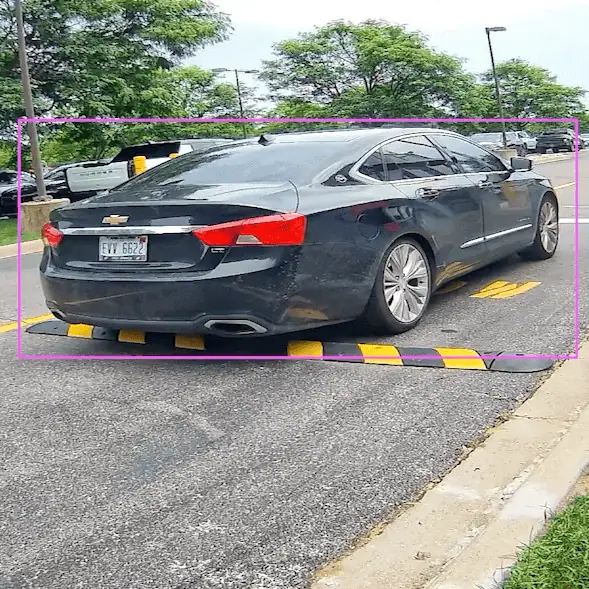
AVA reads the plate as a vehicle pulls up and checks it against your list.
.png)
Drivers and visitors tap check-in, truck entry, or call security on screen.
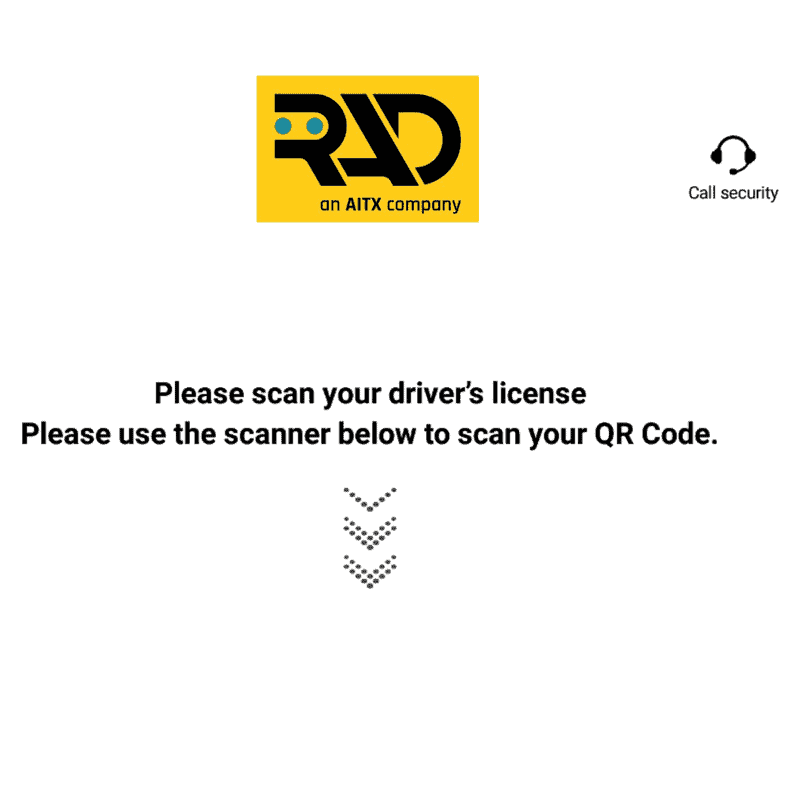
AVA scans a driver's license, barcode, or QR code, or takes a PIN on screen.
.png)
Truck drivers answer your check-in questions, like trailer number, on screen.
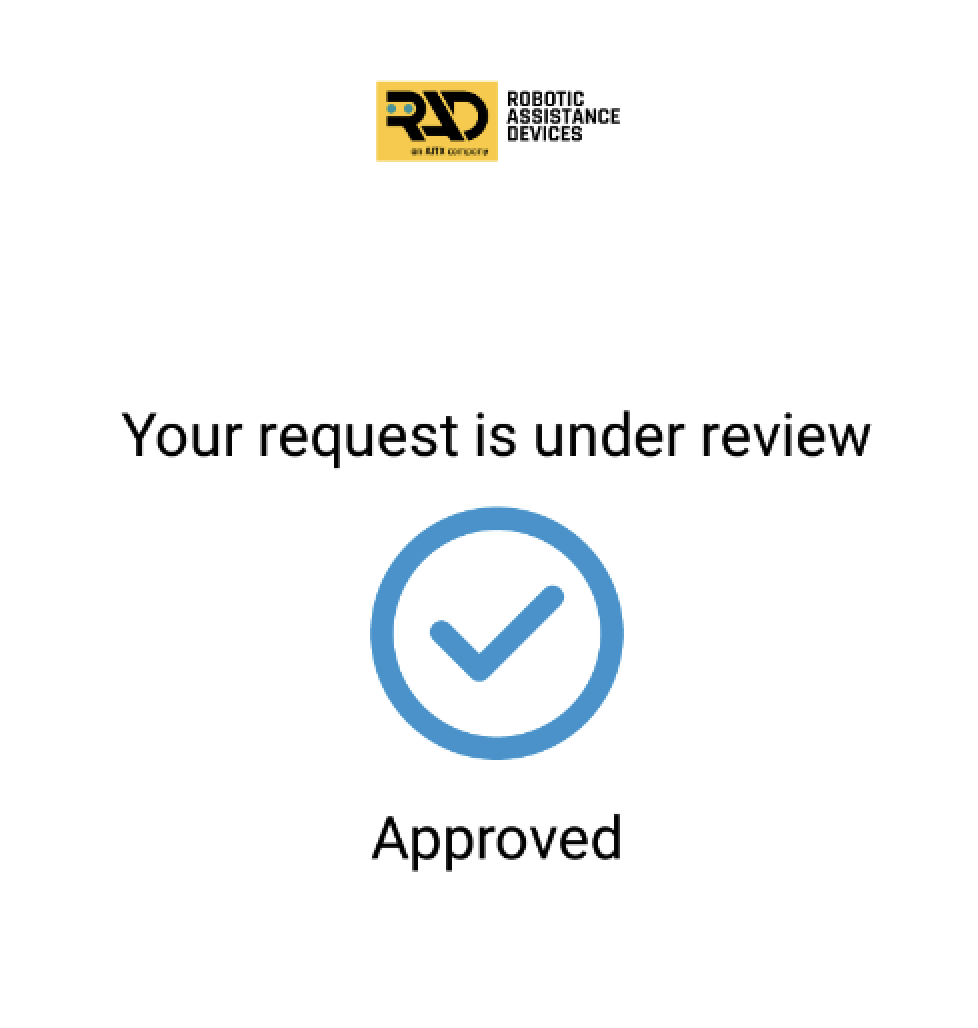
Approved entries go through, while failed or unknown checks go to SARA next.
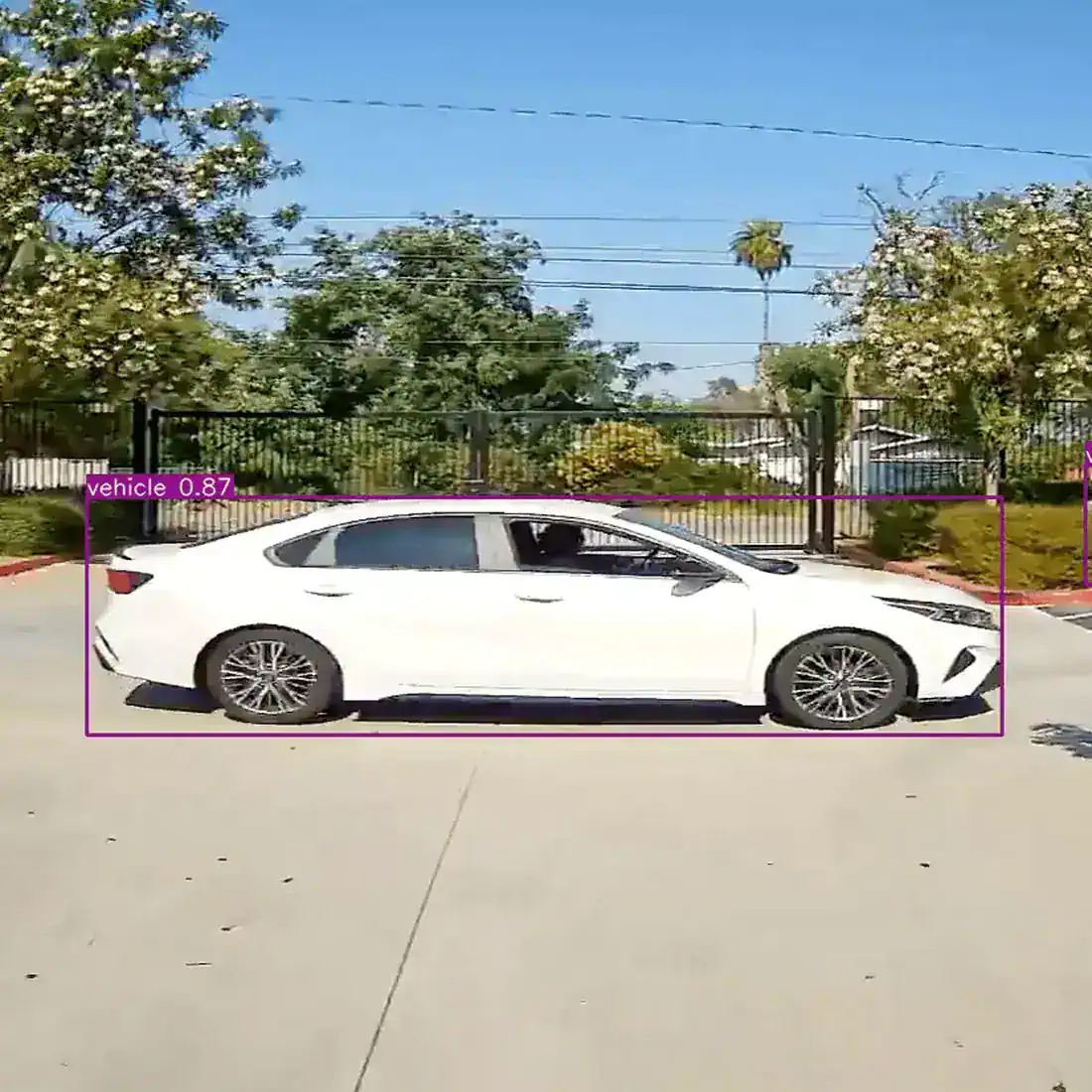
AVA flags a second vehicle or a person on foot following an approved entry.
SARA Agentic AI takes every AVA alert from flag to resolution: SARA checks the event, talks to the driver or visitor through AVA's speaker, escalates by your SOP, keeps responders updated, and documents the outcome. SARA (Speaking Autonomous Responsive Agent) is RAD's agentic AI operator layer for autonomous incident response.
You set the access rules, schedules, and escalation contacts. AVA handles check-in, credential checks, and tailgating detection at the gate, and SARA handles the alarm-handling steps that usually fall on a guard or a monitoring operator.
01
AVA flags a second car following an approved truck through the gate and sends the clip and gate details to SARA.
02
SARA checks the clip against your access rules and helps filter out false alarms before anything escalates.
03
SARA speaks to the driver through AVA's 100 W speaker and tells them to pull over and check in.
04
If the driver keeps going, SARA alerts your contacts and responders in parallel, following your SOP.
05
Responders get the clip, the plate read, and the exact gate AVA covers on the way in.
06
SARA closes the event with a time-stamped report that includes video, plate reads, actions taken, and escalation records.
Then it runs again. Every gate event, every time.
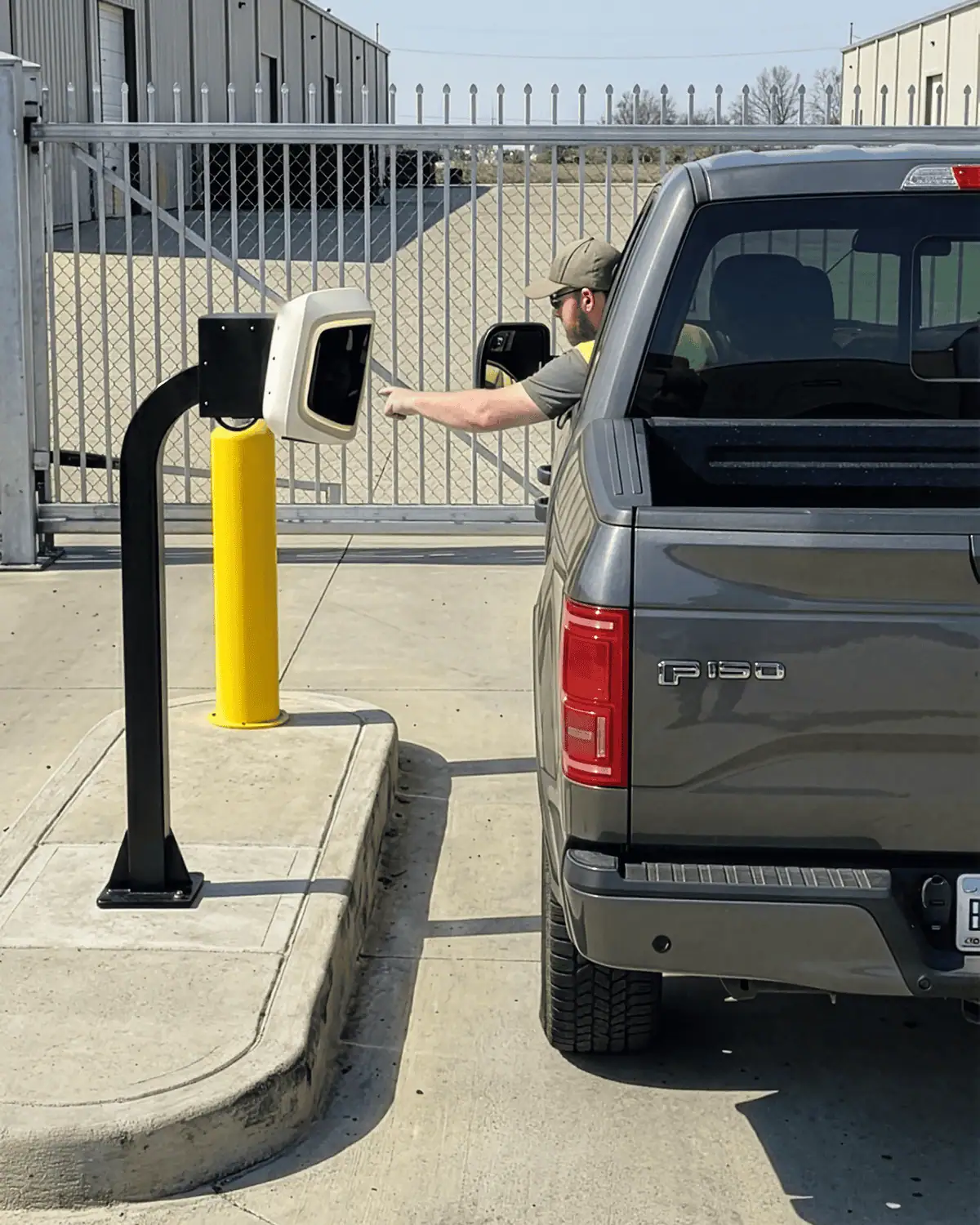
AVA runs on 120 V AC power at the pedestal, with a LiFePO4 backup battery inside the unit for short outages. AVA connects over 5G LTE cellular as standard, on AT&T or T-Mobile with no IT requirements, and client Wi-Fi or Ethernet is optional, so it doesn't need network cabling to the gate.
Plan a 120 V AC circuit at the gate. AVA regulates power inside the unit and carries its own auxiliary box on the back, so there's no separate utility box to mount. The 12.8 V, 3 Ah backup battery covers short outages.
AVA keeps its access database and 21 days of full-frame video on the device, so plate reads, credential checks, and check-in keep working without a connection. SARA escalation, outside notifications, and remote viewing in RADSOC resume once AVA reconnects.
AVA is rated IP56, runs from -4°F to 135°F, and its status lights stay readable in daylight.
RADSOC shows power, connectivity, and device health for every AVA, and RAD pushes software updates over the air.
AVA is available by subscription or outright purchase, and RAD quotes each deployment based on the number of gates and lanes. The AVA subscription bundles the operating stack into one monthly price, and installation is billed separately.
Plan: Tell us about the gate, lanes, and traffic. RAD recommends unit count, pedestal placement, and current lead time.
Prepare: Your installer sets a standard pedestal with a 5 x 5 in bolt pattern, runs 120 V power to it, and connects AVA to your gate operator.
Install: AVA is mounted, powers on, and connects over 5G LTE cellular with no network cabling to the gate.
Go live: Your access lists, check-in questions, schedules, and escalation rules are loaded, and SARA Agentic AI starts handling events.
AVA takes over the repeat work of a gate guard: checking plates and IDs, running visitor and truck check-in, and logging every entry. SARA Agentic AI handles alerts and escalations, and your team steps in when a person needs to. Customers use AVA to cut guard hours at the gate and move staff to posts that need a person.
Common questions
AVA pricing is quote-based and depends on the number of gates and lanes, subscription or purchase, and the edition. The AVA subscription bundles cellular connectivity, check-in software, AI analytics, SARA Agentic AI alert handling, RADSOC, maintenance, and support into one monthly price. Installation is billed separately. Request a demo and RAD will send a recommended layout, unit count, and quote for your gate.
AVA needs 120 V AC power at the pedestal, and a backup battery inside the unit covers short outages. AVA doesn't need network cabling or anything from your IT team: it connects over 5G LTE cellular on AT&T or T-Mobile, chosen by RAD for coverage at your site, and client Wi-Fi or Ethernet is optional.
When a visitor taps Call security on AVA's screen, AVA opens a two-way call to the contact you choose, such as your security team, a remote monitoring center, or a property manager. SARA Agentic AI also speaks through AVA's speaker when it handles an alert. You set who answers and when, so every call follows your SOP.
AVA keeps its access database and 21 days of full-frame video on the device, so plate reads, credential checks, and check-in keep working during an outage. SARA Agentic AI escalation, outside notifications, and RADSOC cloud access need a connection and resume once AVA reconnects. Optional client Wi-Fi or Ethernet can serve as a backup link.
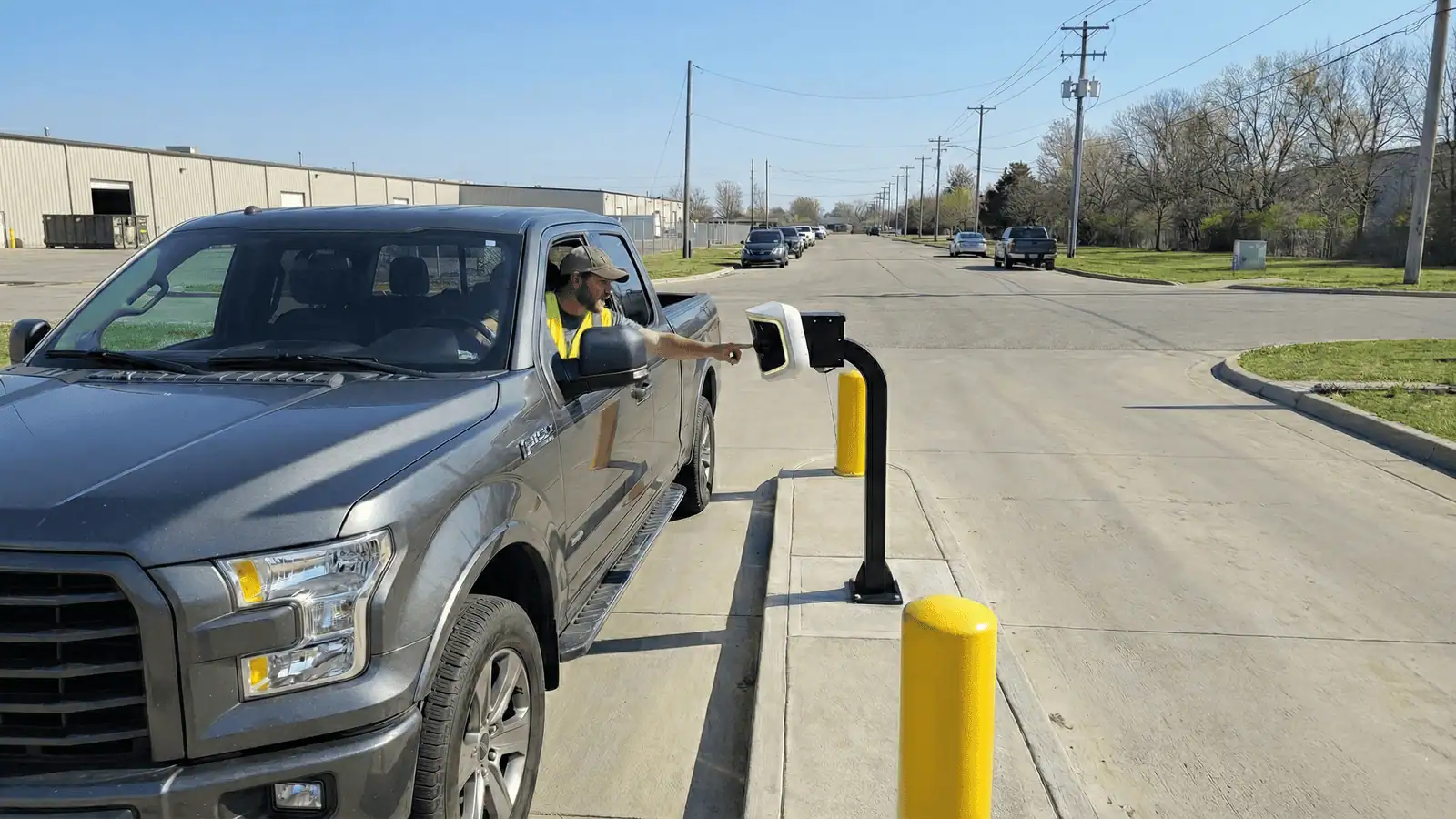
AVA handles check-in at gates where every vehicle and visitor needs a clear, logged decision. It's most widely deployed at large distribution and logistics campuses, where it runs the truck gates and driver check-in.
AVA also works at border and port crossings, commercial campus properties, and manufacturing and industrial yards, and the Residential edition brings the same gate access to HOAs and gated communities. At each site, AVA takes on the manual check-in work at the gate: reading plates, checking IDs, and logging every entry. Read more on how autonomous gate access control works.
Yes. AVA is sold and installed through RAD's authorized partners, who are trained on AVA, SARA Agentic AI, and RADSOC and can fold AVA into the security program they already run for you. Connect with us and we'll point you to an authorized partner in your area.